
Connect your server
Add your server address and credentials. You can choose a share or starting folder.
IPTVIO
Access downloads, replay and files on your NAS from your library.
Replay
Choose a program from your channel’s archive. Play it or download it from the same window, when supported by your source.
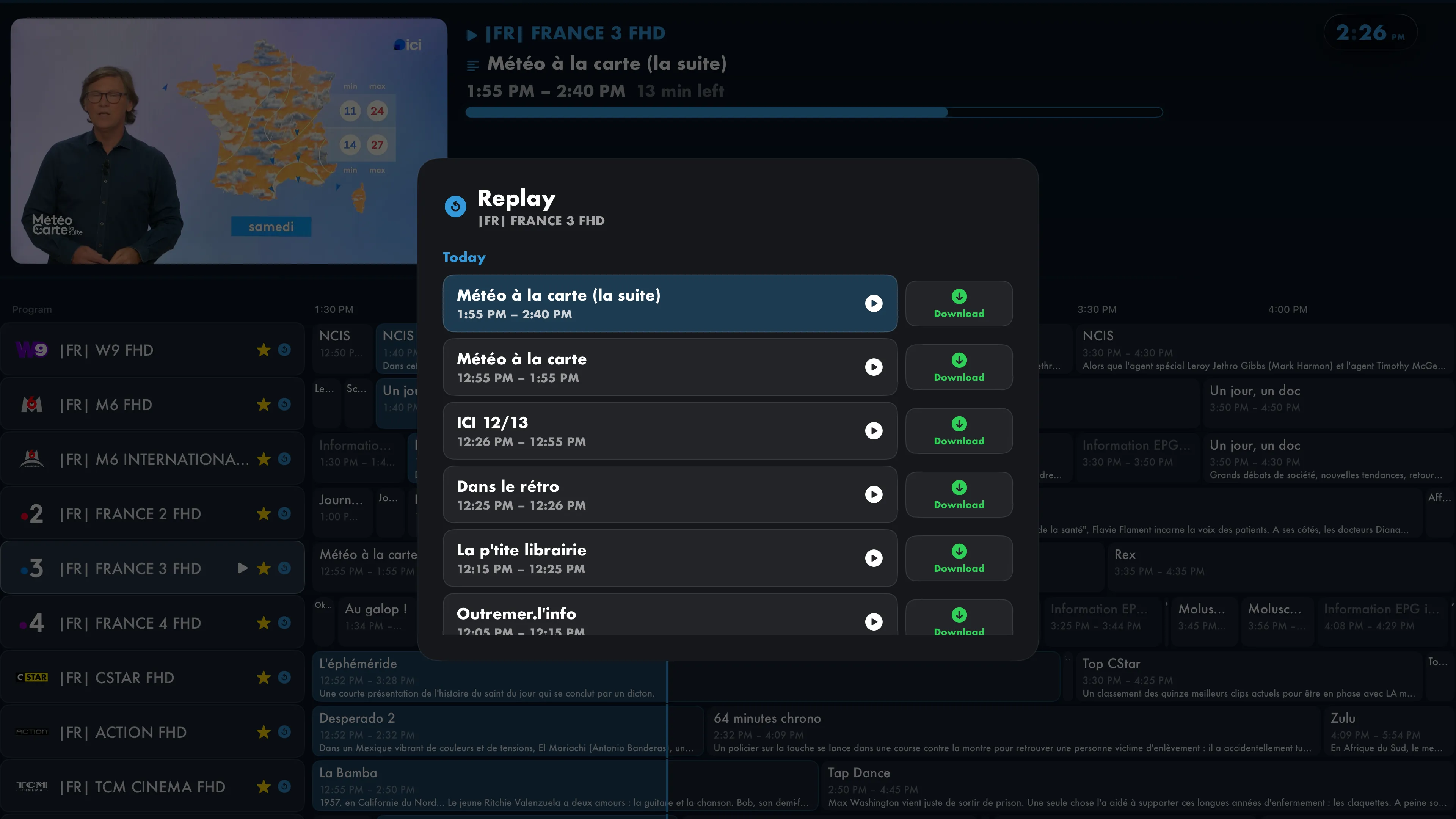
Offline
From a movie, episode or catch-up page, open Download and choose a source. Compatible files then appear in Library, even without an internet connection.
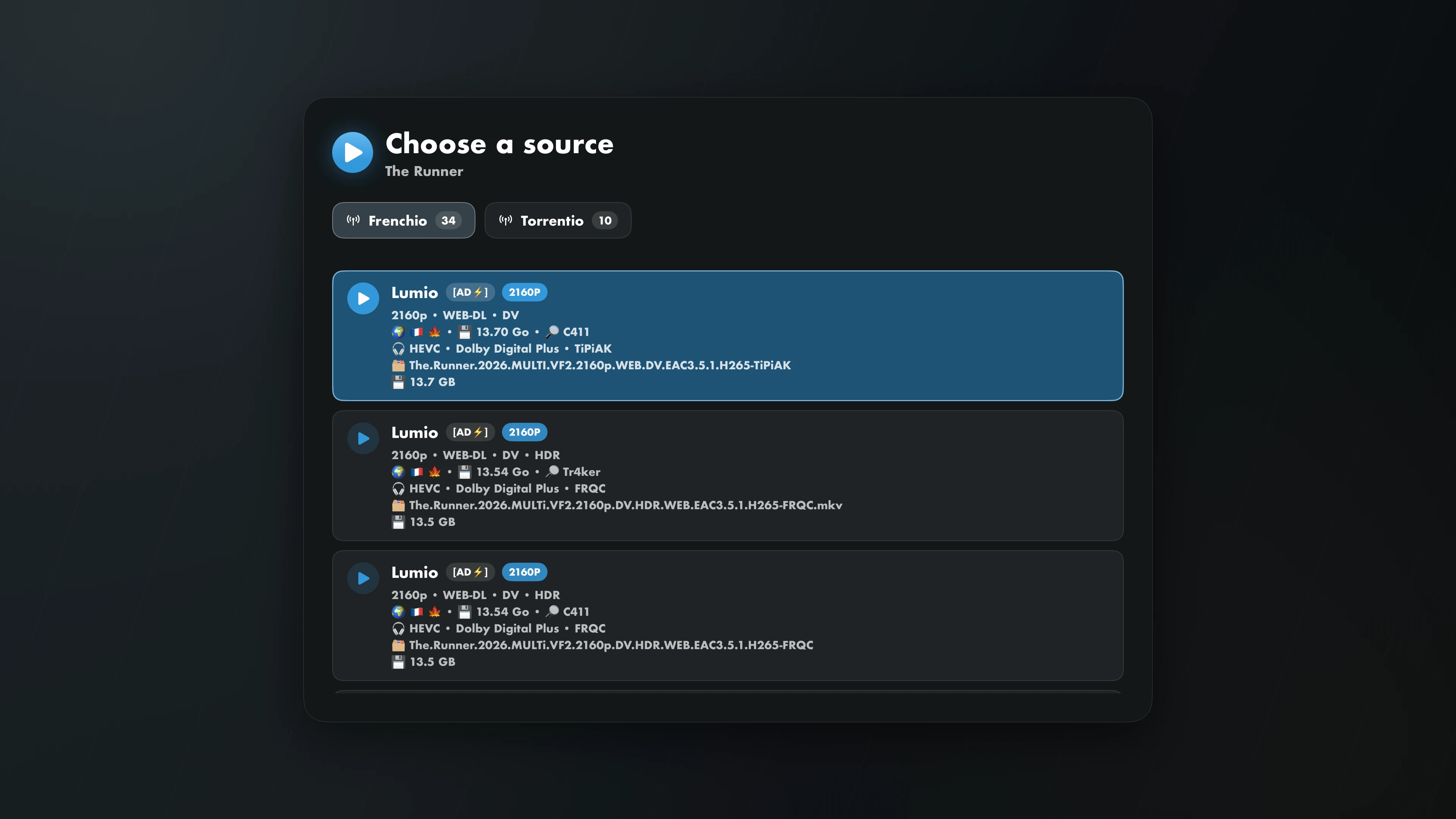
The source must support and permit downloading. Downloads depend on available storage, and tvOS may remove files to free up space. Check that your videos have finished downloading before going offline.
Network library
Connect your NAS or a computer over SMB, then browse its folders in the IPTVIO library.
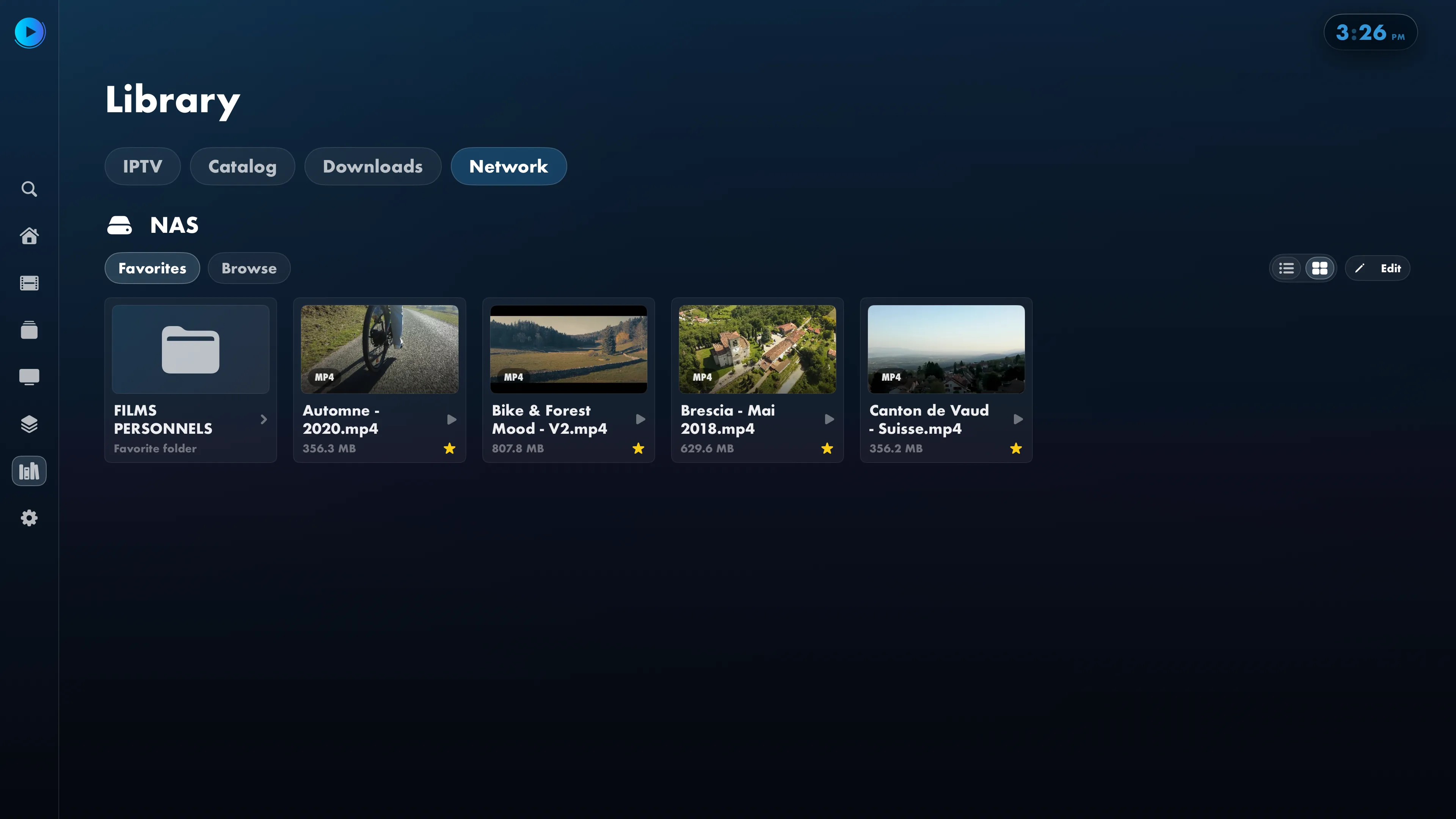
Add your server address and credentials. You can choose a share or starting folder.
Browse folders and network favorites in the library, or continue watching a video you started earlier.
Play files from your network in IPTVIO without first copying them to your Apple TV.
Web setup
Use a browser on your phone or computer, connected to the same network as your Apple TV.
Scan the QR code or enter the PIN. Confirm your profile, add your first playlist, and connect Jellyfin. Later, update your credentials and EPG from the same local web interface.
Reorder and hide channels and categories. Create collections, import their settings and manage parental restrictions.
Web setup works on your local network without an IPTVIO account. You can turn iCloud sync on or off in the app.