
Connect your server
Enter your server address and Jellyfin account. Browse your permitted libraries, detailed media pages, seasons, episodes, and playback progress.
Playback and available tracks respect your Jellyfin account permissions.
IPTVIO
Browse your catalogs and build collections from the sources you have connected.
Catalogs and collections
Connect your own Jellyfin server to browse your movies, series, and collections alongside your Xtream or M3U playlists.
IPTVIO is an independent client, unaffiliated with the Jellyfin project. The server and media are supplied by the user.
Enter your server address and Jellyfin account. Browse your permitted libraries, detailed media pages, seasons, episodes, and playback progress.
Playback and available tracks respect your Jellyfin account permissions.
Bring the catalogs you love into your own collections. A movie folder, favorite genres or a weekend watchlist: choose the names, artwork and logos.
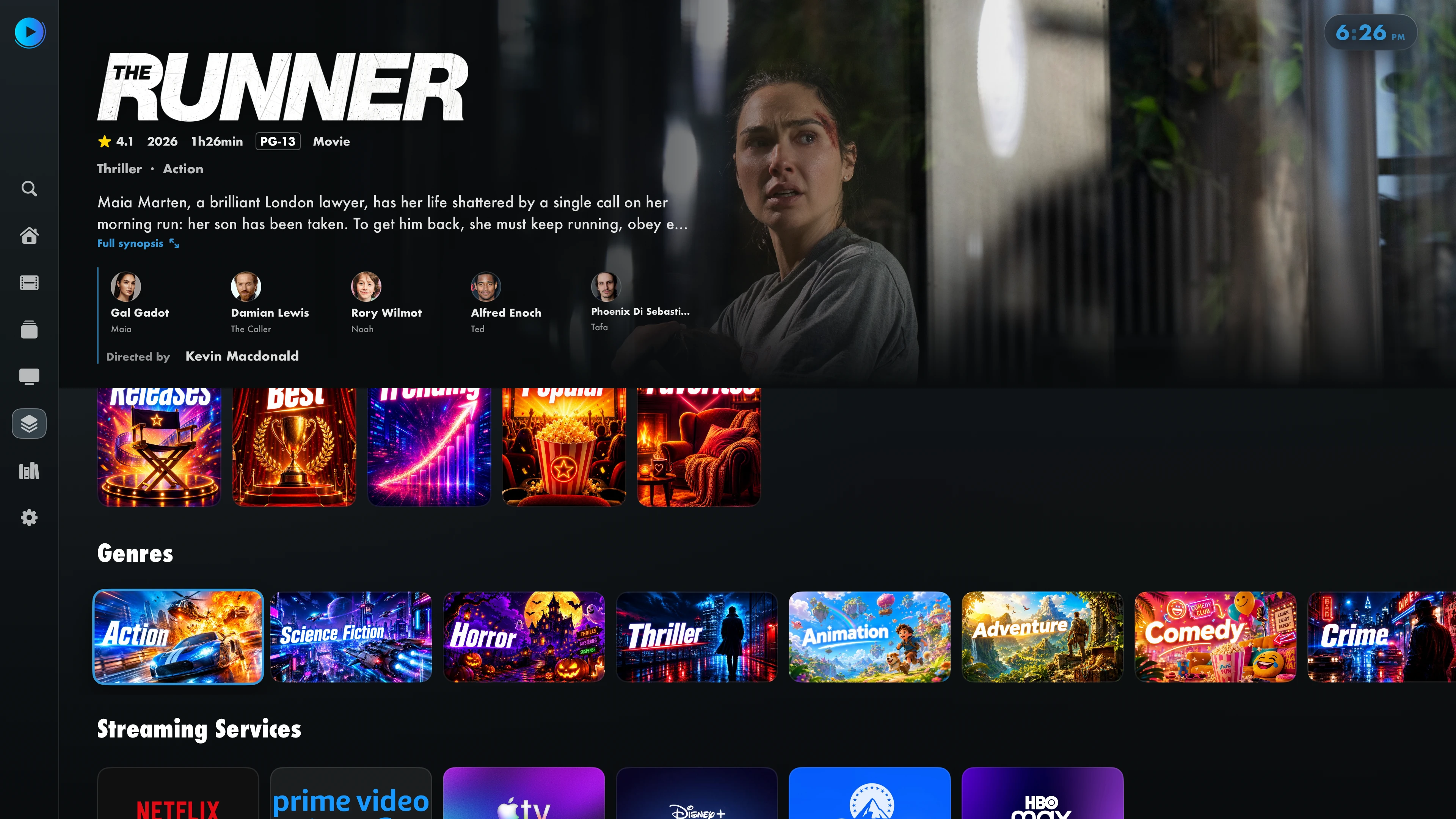
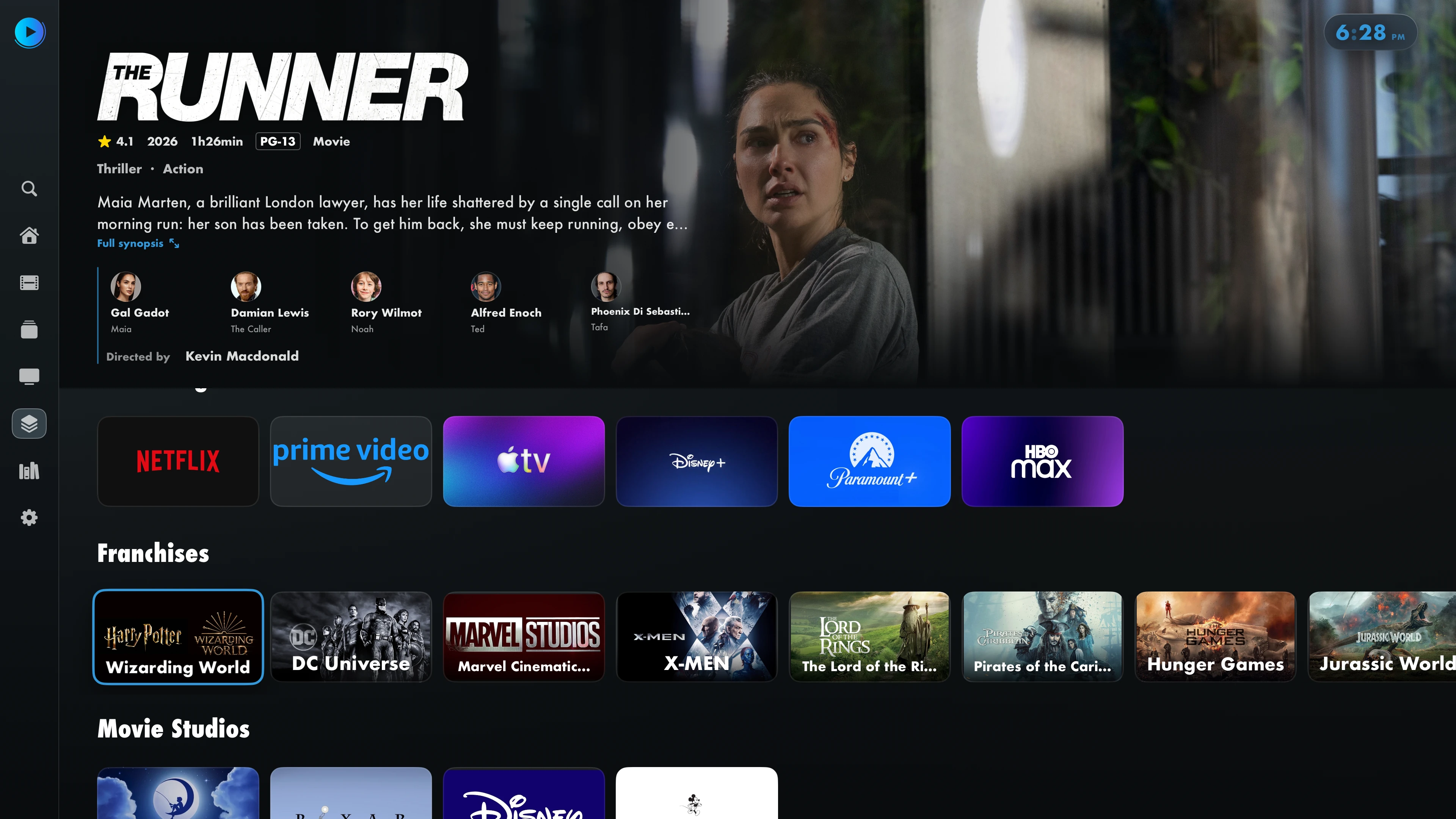
Create, import and organize collections from the web: folders, appearance, sources and display order.
Your IPTV playlists and Jellyfin server can be used together. Visible libraries and downloads depend on server permissions. IPTVIO does not provide any media.
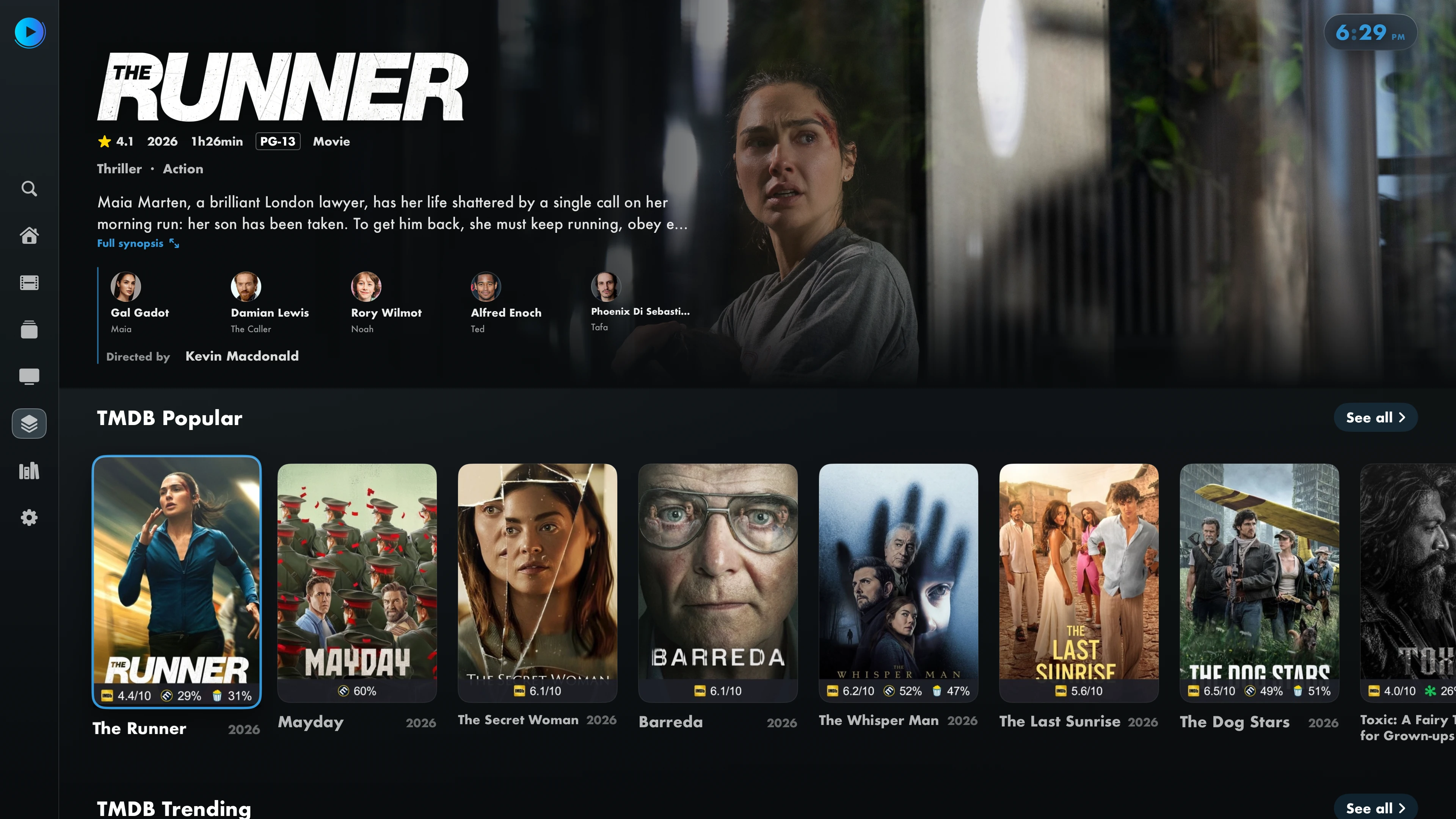
Movie details
See title artwork, cast and the full synopsis. Select an actor to explore related titles available from your sources.

Open an actor’s page to find their movies and series. In the IPTV section, results come from your provider.
 Keep track with Trakt
Connect your Trakt account to track the movies and episodes you watch and access your history.
 Choose your player
Adjust buffering, audio tracks and subtitles. You can also open compatible videos in Infuse when the app is installed.