Live TV and the program guide
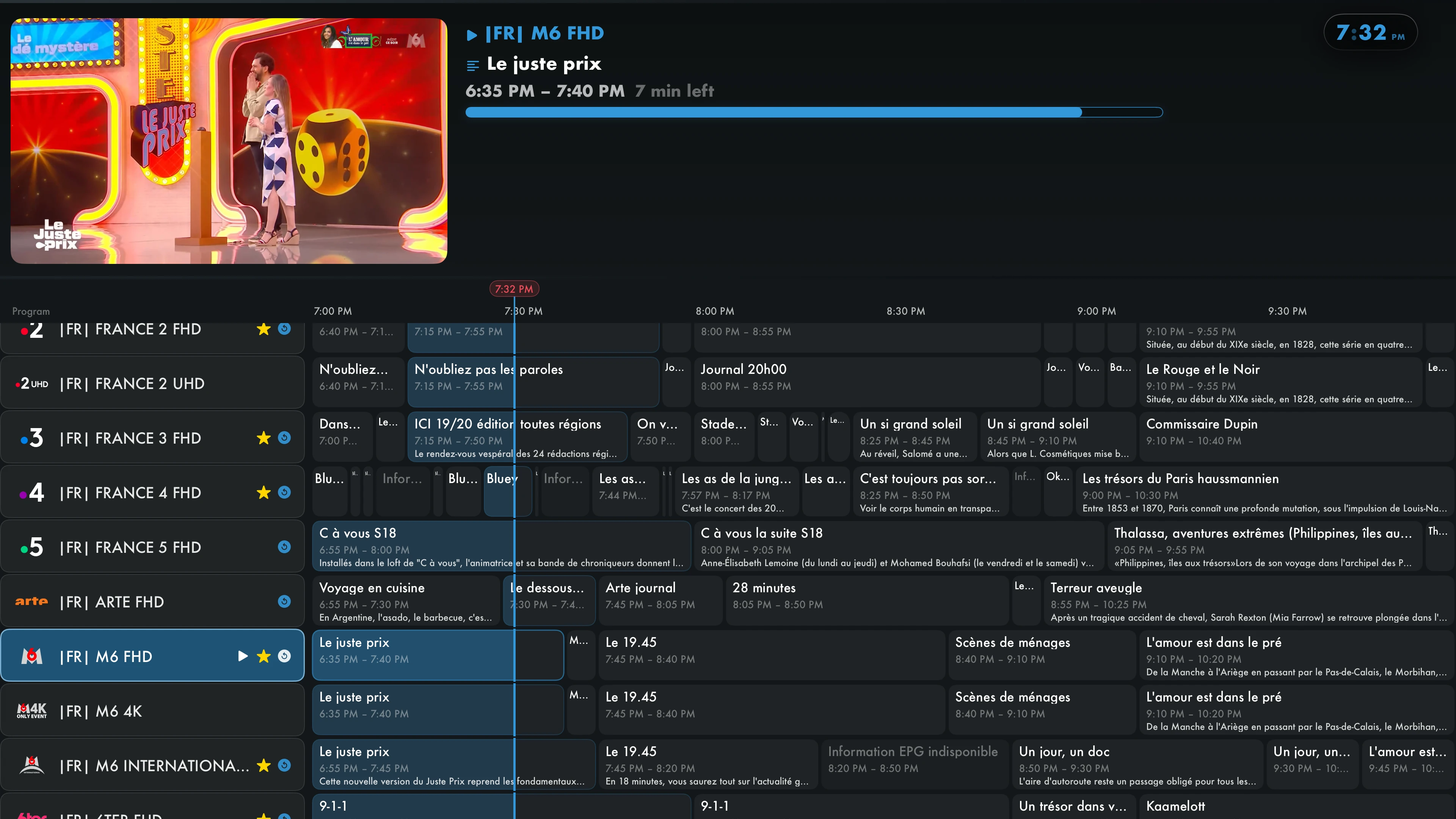
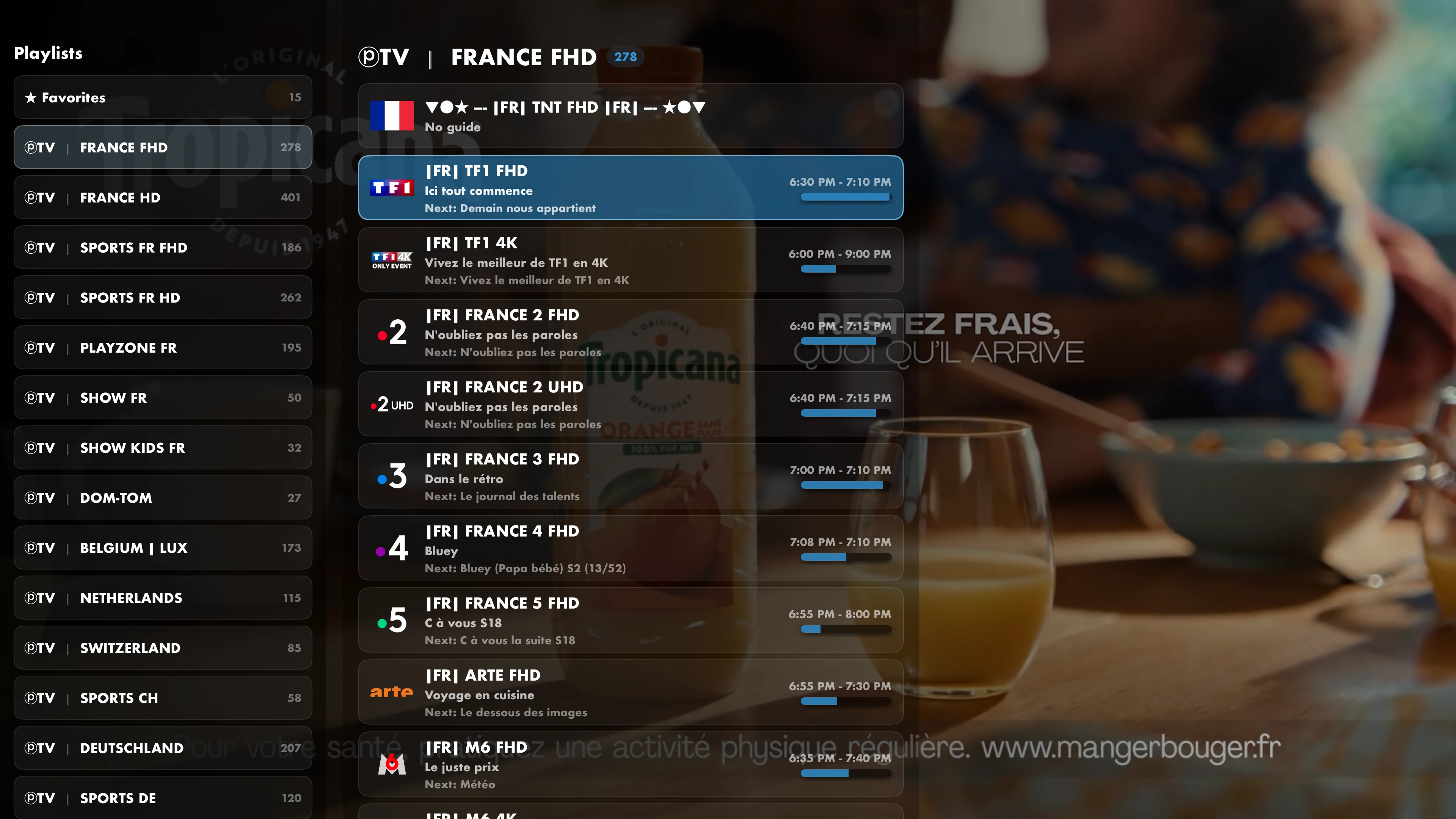
Switch channels, check upcoming programs and set reminders in the TV guide. You can access your favorite channels there too.
IPTVIO
Explore live TV, the programme guide, profiles and appearance settings.
TV and video
Switch from live TV to a movie or series without changing apps. Find your favorites and pick up videos where you left off.
Switch channels, check upcoming programs and set reminders in the TV guide. You can access your favorite channels there too.
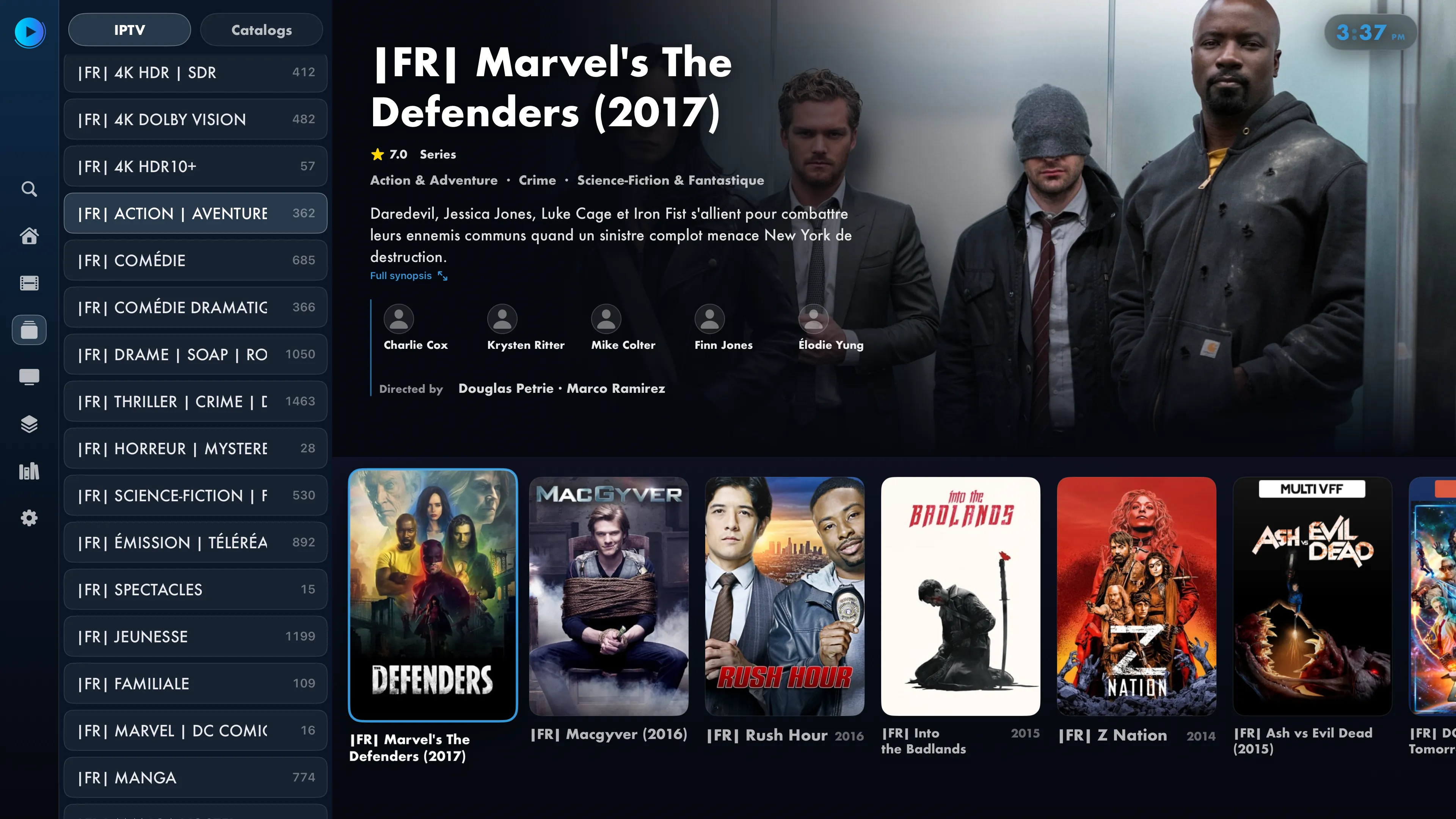
Browse your IPTV provider’s movies and series, open their details, and explore available cast, seasons, and episodes. You do not need a Jellyfin server to use your IPTV source.
Customization
Ocean is the default theme: a deep blue background, blue accents and the Cyan Blue logo. You can then switch to full black, and change the colors, typeface and menu order.
Navigation
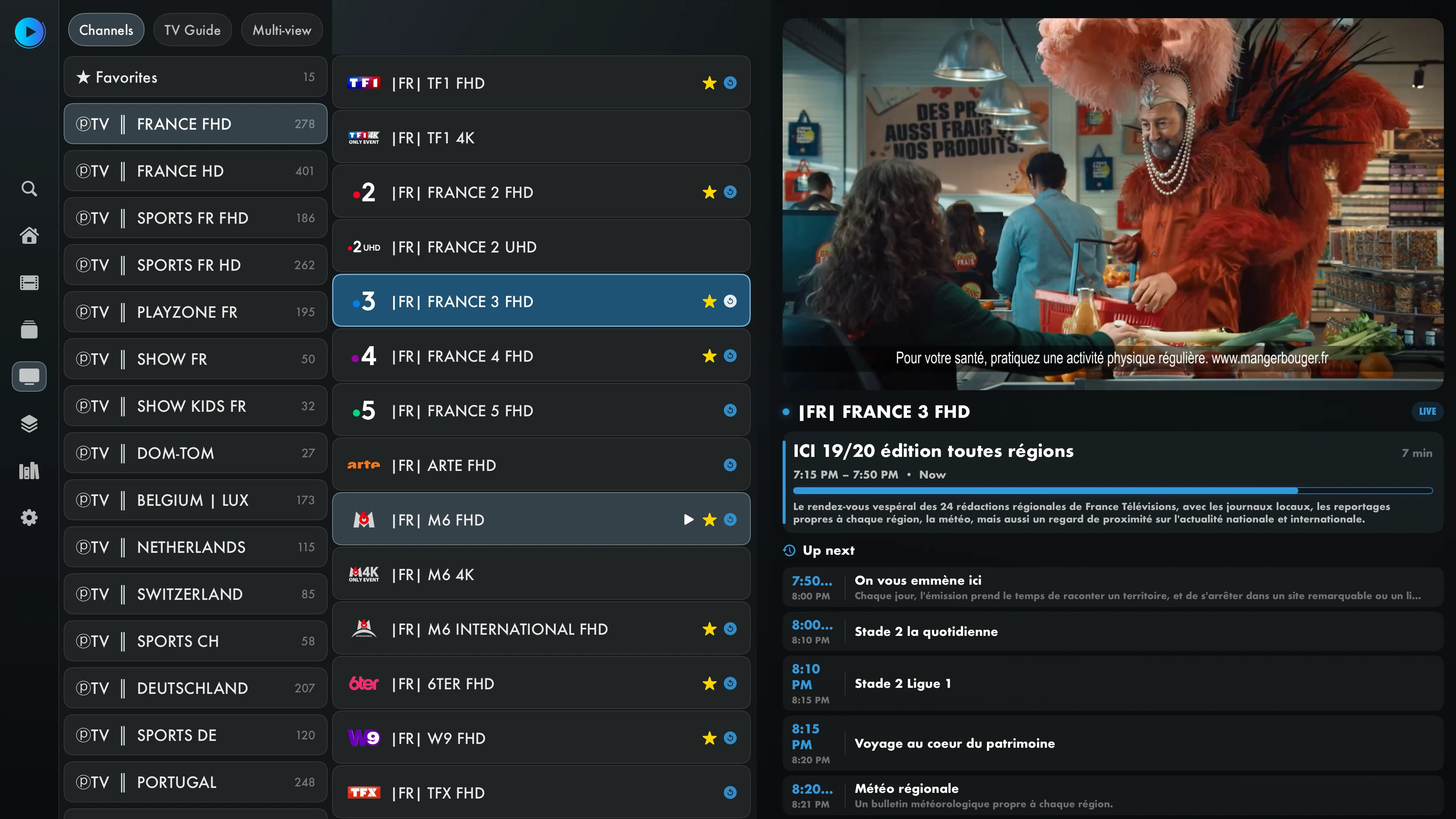
Browse categories with your remote and switch quickly between channels. Adjust playback settings to suit your connection and sources.
Choose which categories appear and which screen opens at launch for quicker access to what you watch most.
Choose a player engine and adjust buffering or hardware decoding to suit your sources and Apple TV.
Pick up movies and series where you left off. The next episode can start automatically.
Playback smoothness and start times also depend on the stream, network and hardware.
Playback
Use your remote to bring up the playback controls. Open the transparent guide from full screen to check programs while the video keeps playing.

Profiles
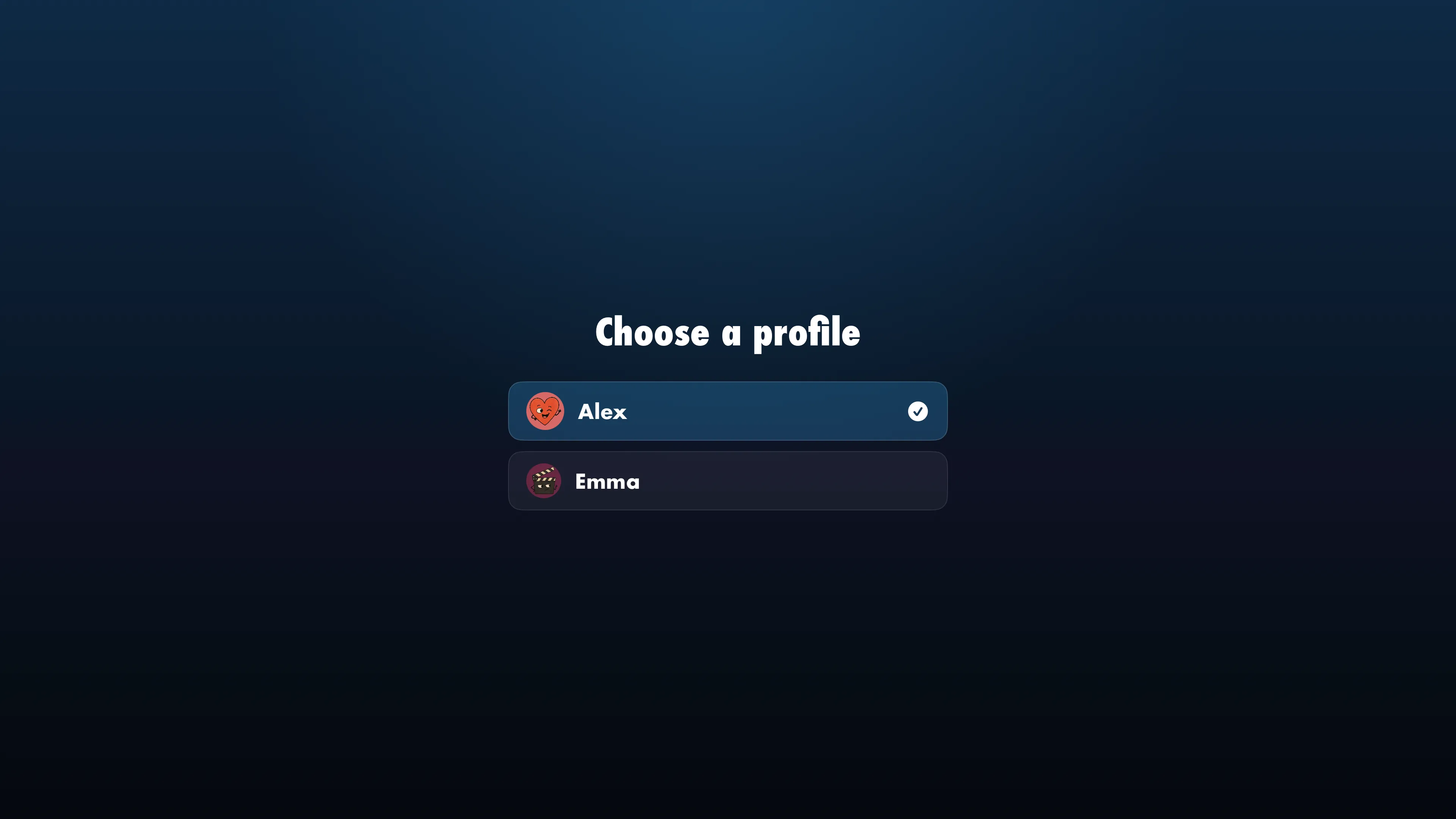
Each profile keeps its own sources, favorites and preferences. Parental controls let you restrict access to content.
Each person has their own avatar, favorites and library.
Protect channels, categories, movies and menu sections with a PIN you can change. You can also manage restrictions from the local web interface.
Favorites
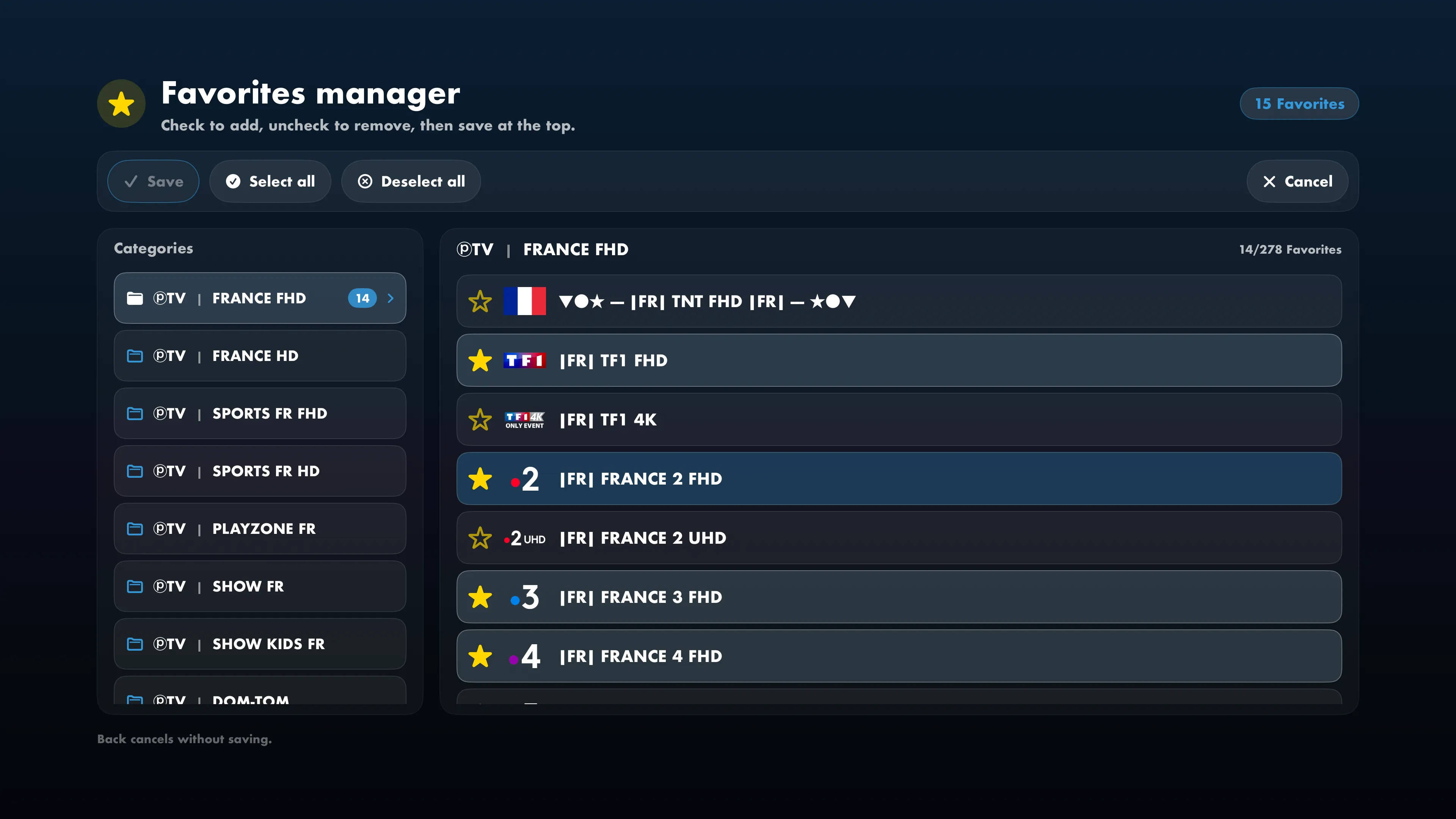
Add a channel to favorites or open the manager to select several at once. You can also select an entire category, remove channels and save all your changes together.
Select channels individually or choose an entire category.
Add, remove and save all your changes in one go.
Sync your favorites across your Apple TVs with iCloud.